Explore 22 Maya character and facial-rigging recordings covering controls, skinning and blend shapes. Choose individual subjects to suit your project. The written guides describe the historical source material and do not certify current software behavior or a complete tested rig.
Choose an independent lesson or follow a nested series in order. Chronological sorting keeps every nested series together in its original part order.
Written guides were prepared with AI assistance from the original captions and editorially approved. Software workflows have not been independently reproduced; historical interfaces, technical qualifications and source limitations remain applicable. Video-only resources are individually identified.
The instructor explains the process of importing previously developed control code and blend shapes to begin attaching attributes to face controls. The instructor describes writing Python code to parse imported item names by splitting strings on underscores and periods to identify specific facial parts like…
The instructor explains a continuation of a face rig series, noting a change in object naming conventions that requires adjusting import commands. The speaker describes the process of creating a blend shape node and assigning it a specific name within the script. The instructor walks…
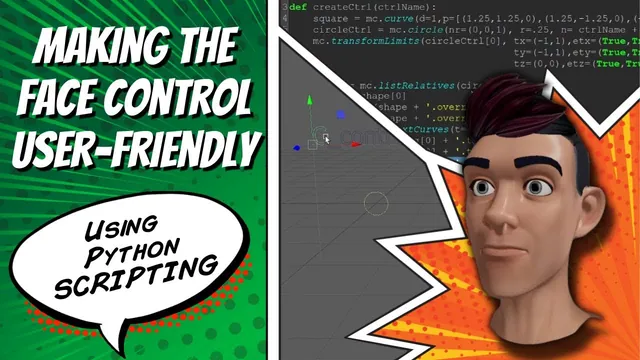
The instructor explains the goal of modifying a Python script to make a face rig more versatile by reducing hard-coded dependencies on one particular head model. The speaker describes the process of editing the script to use variables for positioning controls and creating a user…
The instructor explains the process of connecting blend shapes to controller attributes within a face rig script. The instructor describes adding arguments for attribute names and direction values to handle positive and negative movements for specific facial features. The speaker walks through testing the code…
The instructor explains the process of connecting eyeball movement to a face rig by discussing the use of set driven keys and rotation attributes. The speaker describes adjusting pivot points and geometry connections to ensure the cornea and iris move together without offset. The instructor…
The instructor explains the objective of connecting facial elements like hair, teeth, and tongue to a face rig so they move with the head mesh. The instructor describes a method using zero and offset groups to parent geometry to joints, noting that this approach prevents…
The instructor explains that the controls are currently created and color-coordinated but are not yet moving the skeleton, necessitating the application of constraints to ensure each joint functions correctly. The speaker describes the process of applying a parent constraint to the center of gravity control,…
The instructor explains the process of attaching blend shapes to a head model and controlling them via attributes using set driven keys. The speaker describes specific script modifications made between lessons, including changes to naming conventions for eyes and face parts to facilitate easier history…
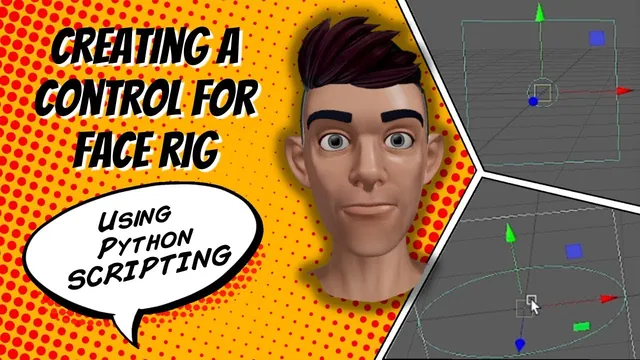
The instructor explains the goal of creating a reusable control base for a face rig in Maya using Python. The speaker describes defining a function to create a curve and a circle, referencing command documentation to determine coordinate structures. The instructor walks through setting translation…
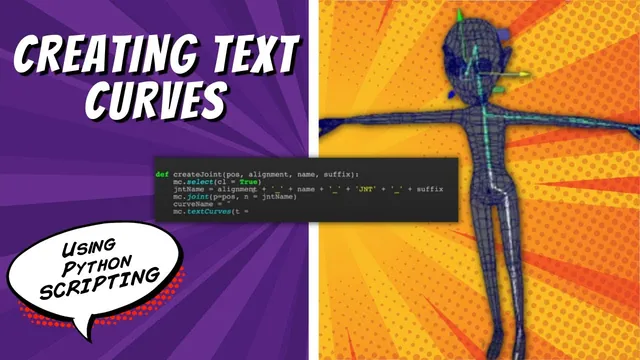
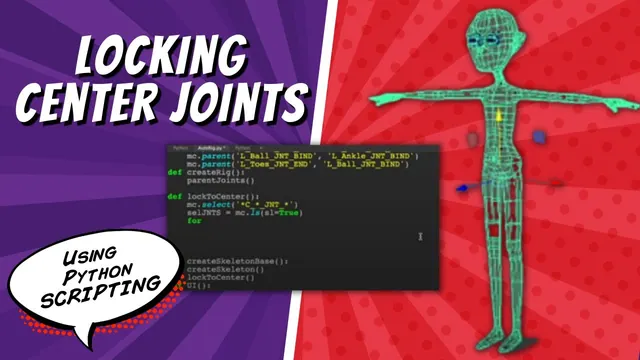
The instructor explains the continuation of an auto-rig script, describing the creation of a skeleton with center joints that are restricted from moving on the x-axis. The speaker walks through adding text curves to identify joints, detailing the process of defining a curve name and…
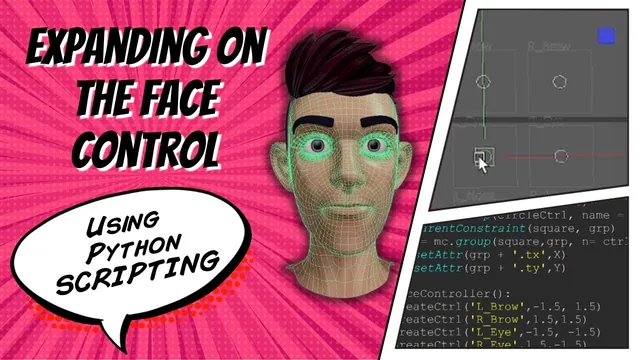
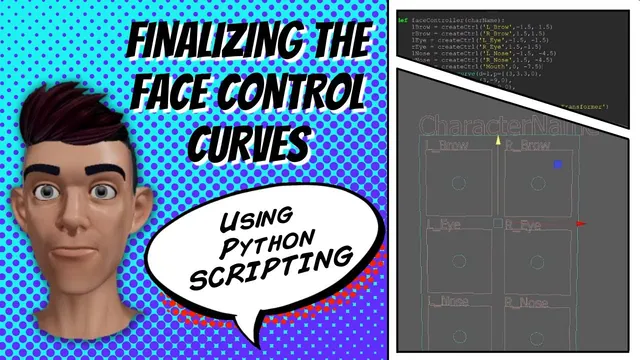
The instructor explains the need to expand a single face controller into multiple specific controls for facial features like eyes, nose, and mouth. The instructor describes defining a function to create these controls and adding arguments for X and Y coordinates to adjust their positions.…
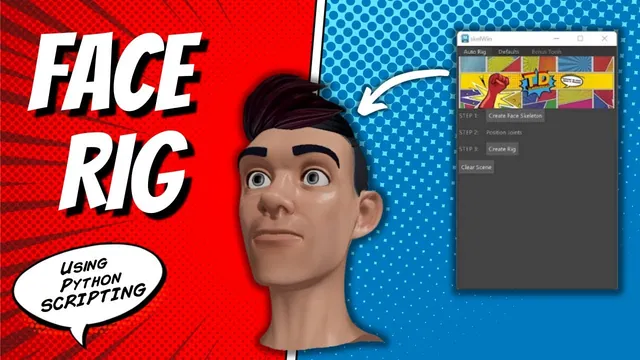
The instructor introduces a face auto-rigging tool, explaining that it involves creating a skeleton, positioning it, and generating a rig based on assumed presets and naming conventions. The speaker describes additional features such as tools to assign weights from default files and a match point…
The speaker describes writing code to access the jaw joint and rotate it, specifically mentioning the use of variables for the joint name and control rotation to attach the mouth movement. The instructor walks through organizing the outliner by creating groups for geometry, controls, and…
The instructor explains the process of creating a bounding box around a controller to enable user movement, noting that the character name will be customized later during UI creation. The speaker describes adjusting X and Y values to fit the box around the controls, mentioning…
The instructor explains a Python script workflow for creating a character skeleton and repositioning joints to fit a model. The speaker describes modifying the script to ensure center joints, identified by specific naming conventions, remain on the center line. The instructor walks through defining a…
The instructor explains the need to distinguish a control from its surrounding box by changing the curve color and adding a name. The speaker describes adding a 'control name' argument to the function to avoid conflicts with existing name flags. The instructor walks through using…
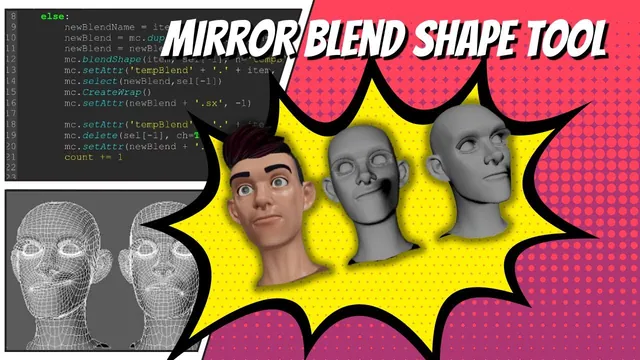
The instructor describes a blend-shape mirroring problem involving topology and motivates a script-based workaround. The speaker walks through the script logic, describing how it duplicates objects, renames them, and applies a wrap deformer to create mirrored shapes. The instructor describes debugging the code to resolve…
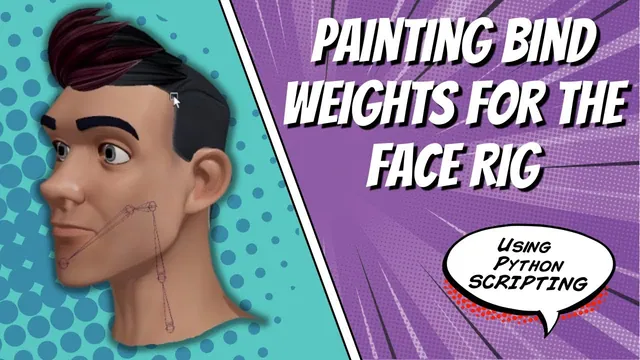
The instructor explains the process of switching from bind skin to skin cluster to enable weight painting on individual joints for a character mesh. The instructor describes using the skin paint weights option box and flood tool to assign default weights to specific joints like…
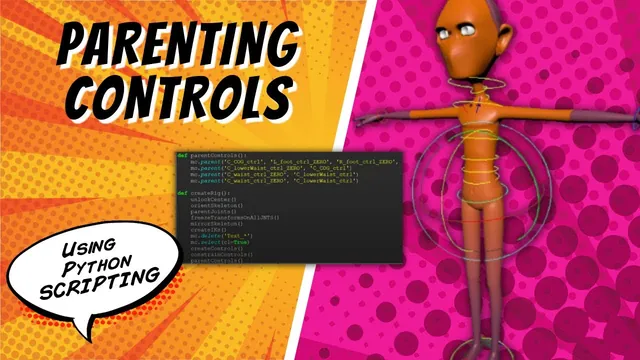
The instructor explains the process of parenting controls to a master control to ensure the entire character moves correctly when selected. The speaker describes the hierarchical structure, detailing how specific groups like the lower waist and rib cage are parented to their corresponding controls. The…
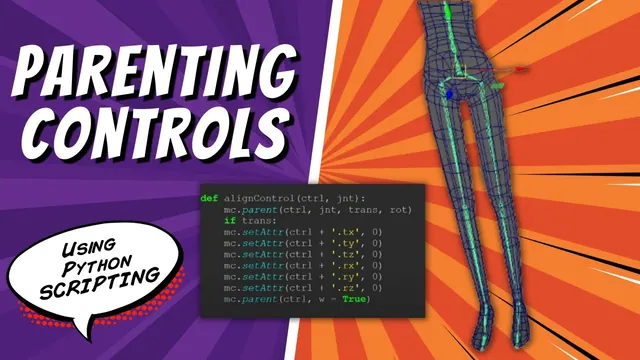
The instructor explains the process of adding functionality to a master control by parenting it to a joint, zeroing transforms, and unparenting it to align the control within the scene. The speaker describes writing a Python function to automate this alignment, specifically using commands to…
The instructor contrasts joint-driven jaw rotation with the linear blend-shape example in the recording. The speaker walks through creating a Python function to generate a joint hierarchy for the neck and jaw, including specific positioning and orientation adjustments. The instructor details the creation of a…
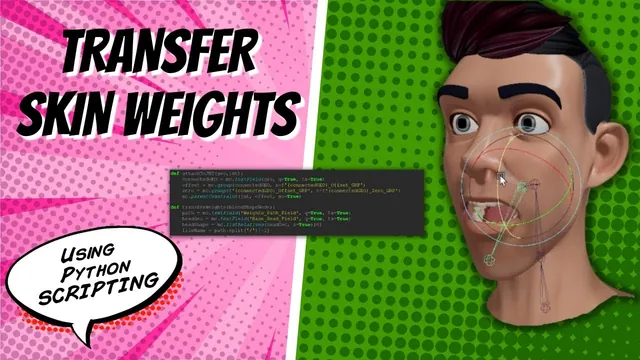
The instructor explains the process of transferring skin weights to a character rig by selecting the head weight and using a file path to connect the weights. The speaker describes how to define a function for transferring weights and explains the use of file modes…