Browse 14 Maya lessons covering Python interfaces, tools and automation. Choose a focused utility or interface topic, read its written guide, and continue to the original video. This is a curated collection rather than a required sequence.
Choose an independent lesson or follow a nested series in order. Chronological sorting keeps every nested series together in its original part order.
Written guides were prepared with AI assistance from the original captions and editorially approved. Software workflows have not been independently reproduced; historical interfaces, technical qualifications and source limitations remain applicable. Video-only resources are individually identified.
The instructor explains building Python scripts in Maya to generate simple and curved arrow controls by defining functions that create curves with specific point coordinates. The speaker describes creating a user interface window with integer fields and buttons to allow dynamic adjustment of control lengths…
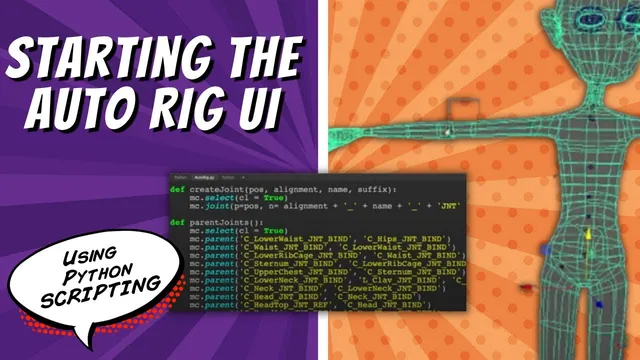
The instructor explains that the current auto-rig setup has controls placed for the body but nothing is connected yet. The speaker describes the goal of setting up commands to color the rig, noting that currently everything is the default curve color. The instructor walks through…
The instructor explains the goal of merging code from a face rig to attach blend shapes and controls for body movement. The instructor consolidates functions into one file for lesson simplicity while noting that this choice is not necessarily best practice and discussing separate module…
The instructor explains the goal of creating a standalone tool to build selections for variables, which will later be integrated into a rigging interface. The speaker describes the process of defining a function to create a window and checking if it exists before creating a…
The instructor explains the process of creating a simple dockable window for the Maya interface using the PySide2 module. The speaker describes importing the Maya UI and accessing the Maya QT widget dockable mixin function to enable the window's dockable capability. The instructor walks through…
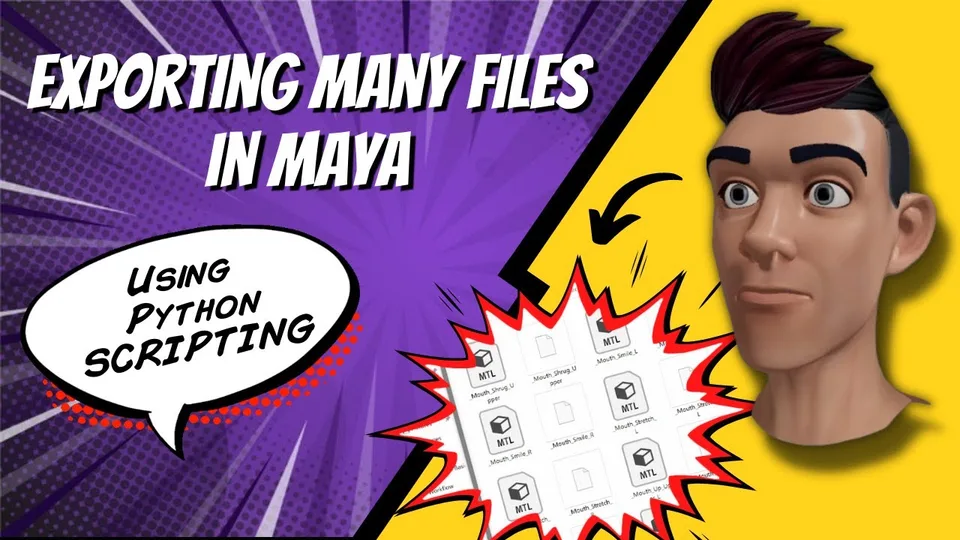
The instructor explains the goal of exporting multiple hidden blend shapes into individual files for a team of modelers. The instructor describes writing a Python script that iterates through a selection to adjust visibility and determine the workspace root directory. The instructor walks through configuring…
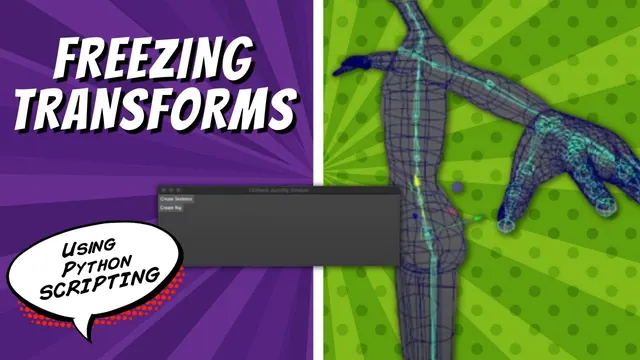
The instructor discusses freezing transformations to clean rotation values on parented rig joints. The speaker describes the process of selecting joints and applying the make identity command to reset transform channels. The instructor walks through writing a Python function that loops through all joints to…
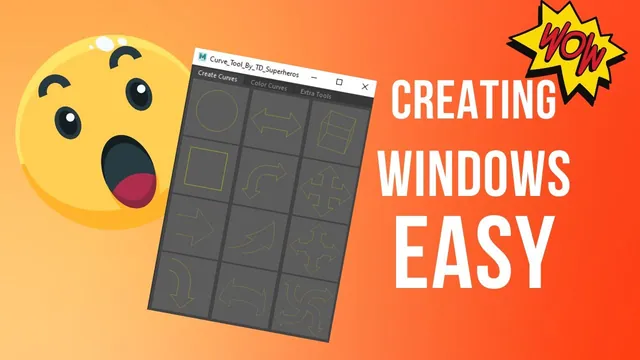
The instructor introduces a series on user interfaces, specifically focusing on creating windows and adding elements like tabs and buttons. The speaker explains that a window created via the Maya command module is initially invisible and requires a specific command to be displayed. The instructor…
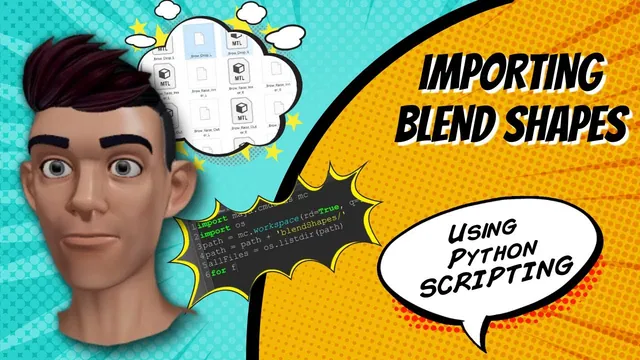
The instructor explains the goal of automating the import of blend shape files into a Maya scene to streamline production workflows. The instructor describes using Python libraries to access the operating system and list directory contents to identify specific object files. The speaker describes splitting…
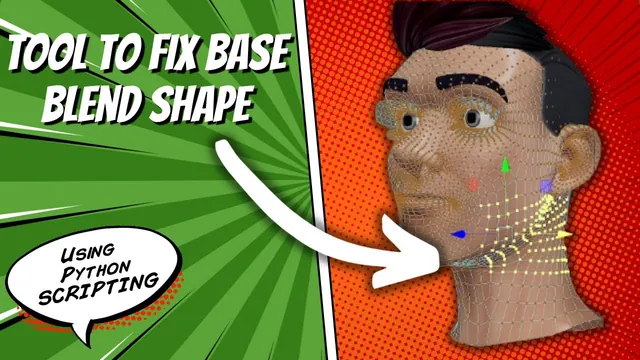
The instructor explains a geometry issue where moving eyes causes flickering around the neck due to deleted history on the base shape. The instructor describes a script that resets scene elements to default positions and deletes unnecessary history or objects to prepare for fixes. The…
The instructor explains the objective of merging shape nodes from different objects into a single transform node within a scene. The speaker describes the process of building a Python script that identifies selected objects and their associated shape nodes using specific list commands. The tutorial…
The instructor explains the process of defining a Maya UI window and adding buttons to trigger specific rigging actions. The speaker describes how the script creates a skeleton and allows for joint adjustments before parenting the rig components. The instructor walks through debugging syntax errors…
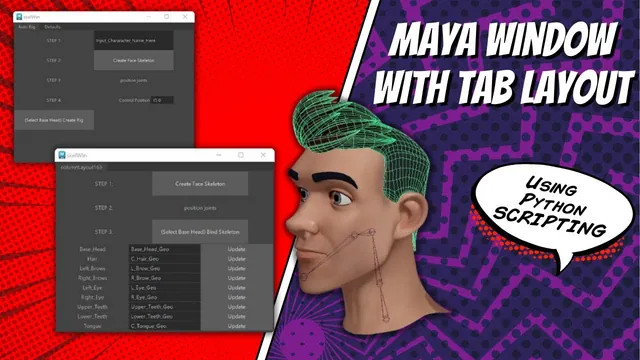
The instructor explains the process of breaking down existing UI windows into separate functions to prepare for a tab layout structure. The instructor describes using specific commands to set parent levels and create column layouts to organize the interface elements. The speaker walks through troubleshooting…
The instructor explains how to automate naming conventions by utilizing variables and text fields within a script. The speaker describes the process of updating object properties, such as geometry and character names, by querying specific field values. The instructor walks through modifying code to replace…