Browse 7 Houdini character-modeling and grooming recordings. Explore individual topics at your own pace, with original thumbnails, titles and source-grounded context. Six written guides accompany the videos; Character Speed Sculpt remains a video-only resource with a creator-description overview. Software interfaces and techniques may have changed.
Choose an independent lesson or follow a nested series in order. Chronological sorting keeps every nested series together in its original part order.
Written guides were prepared with AI assistance from the original captions and editorially approved. Software workflows have not been independently reproduced; historical interfaces, technical qualifications and source limitations remain applicable. Video-only resources are individually identified.
This collection includes 2 individually labeled Legacy lessons. Original workflow distinctions and Legacy labels are retained per lesson. Do not assume recording age alone establishes Legacy status.
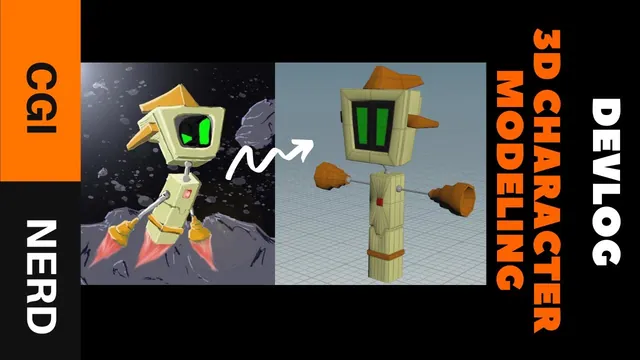
The instructor explains the process of translating concept art for a game character into a 3D model, emphasizing the importance of saving work frequently to prevent data loss. The instructor describes using boxes, extrudes, and edge loops to create the character's geometry, noting that this…
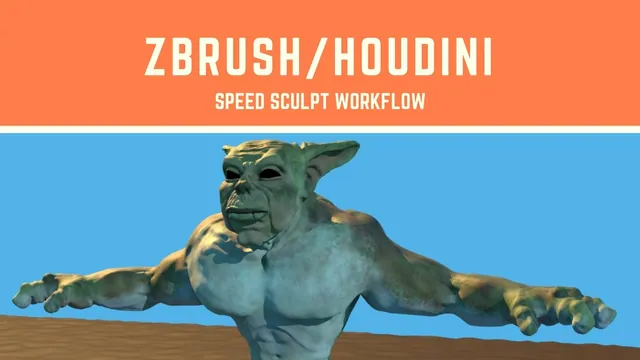
The creator describes a time-lapse character workflow between Houdini and ZBrush: base mesh, silhouette work, retopology, sculpting and texturing, then rendering in Houdini. This is a workflow overview; validated captions and detailed written instructions are unavailable.
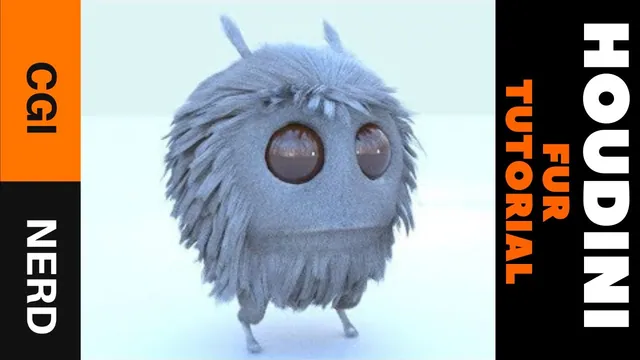
The instructor explains the process of developing a hair system for a character, specifically focusing on creating guides and applying hair to different body parts. The instructor describes separating the character geometry into groups such as the body, head, antennae, and legs to allow for…
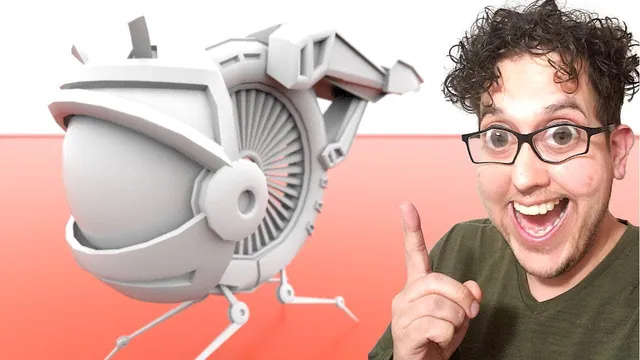
The instructor explains the creation of a low-poly hard surface drone character model in Houdini, beginning with blocking out basic geometry using primitives like torus and sphere. The instructor walks through refining the body and leg structures by adjusting transforms and using nodes such as…
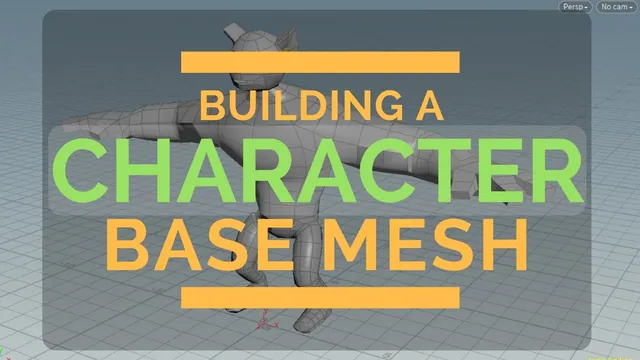
The instructor explains that this is the first video in a series focusing on character workflow, where the goal is to block in a base mesh using basic geometry shapes. The speaker describes starting with a low-poly sphere for the head and using transform nodes…
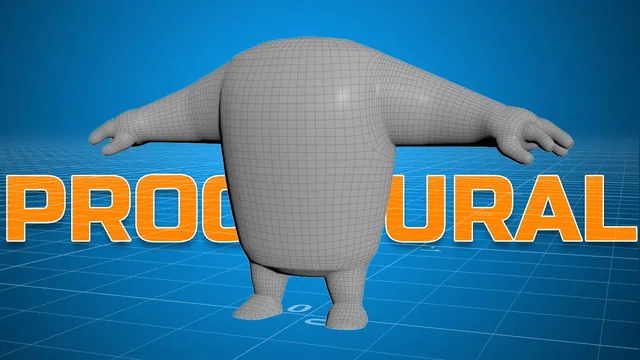
The instructor explains that the recording covers creating procedural character geometry based on a skeleton, noting that the skeleton was created in a previous video. The speaker describes the process as going through the workflow in real time to provide a base for working on…
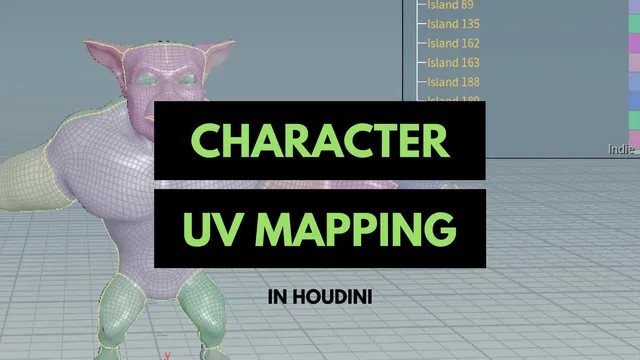
The instructor explains the process of selecting edge loops to separate character shells, or UV islands, within Houdini. The speaker describes using the 'cut' selection mode to isolate specific geometry areas like the head, ears, and mouth without holding modifier keys. The tutorial walks through…