← Learn library22 written guides and 3 video-only resources.
Follow the original 25-part Maya biped rigging series in order. Parts 22–24 are accepted as video-only lessons with honest creator-description overviews; detailed written instructions and validated captions are unavailable for those three recordings.
Follow the listed order and use Previous / Next on each lesson page.
Written guides were prepared with AI assistance from the original captions and editorially approved. Software workflows have not been independently reproduced; historical interfaces, technical qualifications and source limitations remain applicable. Video-only resources are individually identified.
Lessons in order
 ↗
↗Video tutorialCharacter FX & AnimationLesson 1
Written guide
YouTube: Date unknown
The instructor explains the process of setting up a project structure and creating a default workspace for a biped character rig. The speaker describes creating specific folders for models, blend shapes, and rigs to manage file versions and updates. The instructor walks through saving current…
Read the guide →
 ↗
↗Video tutorialCharacter FX & AnimationLesson 2
Written guide
YouTube: Date unknown
The instructor explains the process of creating a base skeleton for a biped character, starting with the main spine and pelvis. The speaker describes placing joints for the legs and arms, adjusting their positions using the middle mouse button to ensure proper alignment and bending.…
Read the guide →
 ↗
↗Video tutorialCharacter FX & AnimationLesson 3
Written guide
YouTube: Date unknown
The instructor explains the manual process of creating twist joints by using parent constraints with specific weight values to position them evenly between existing joints. The speaker describes a custom Python tool that automates this workflow by selecting start and end joints to generate and…
Read the guide →
 ↗
↗Video tutorialCharacter FX & AnimationLesson 4
Written guide
YouTube: Date unknown
The instructor explains the need to correct joint orientations to prevent unwanted rotation offsets in a biped character rig. The speaker describes using the 'Orient Joints' tool and resetting transformations to align the spine and limb chains correctly. The instructor walks through adjusting end joint…
Read the guide →
 ↗
↗Video tutorialCharacter FX & AnimationLesson 5
Written guide
YouTube: Date unknown
The instructor explains the process of creating a separate joint chain for the left arm to establish an IK control rig, distinct from the bind rig. The speaker describes duplicating the joint chain and unparenting specific joints to remove twist joints, ensuring the IK handle…
Read the guide →
 ↗
↗Video tutorialCharacter FX & AnimationLesson 6
Written guide
YouTube: Date unknown
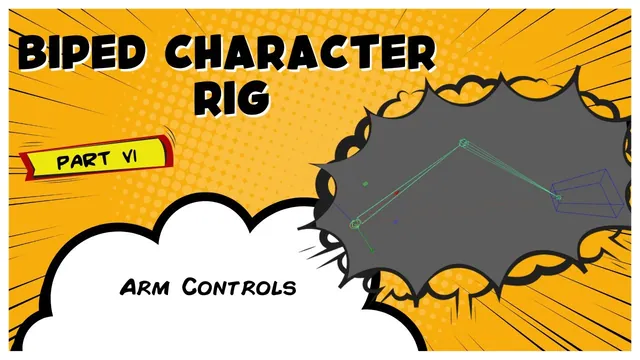
The instructor explains the process of creating IK arm controls by first hiding geometry and naming the IK handle. The speaker describes using custom rigging tools and Python scripts to generate and align control shapes, such as box controls. The lesson walks through the manual…
Read the guide →
 ↗
↗Video tutorialCharacter FX & AnimationLesson 7
Written guide
YouTube: Date unknown
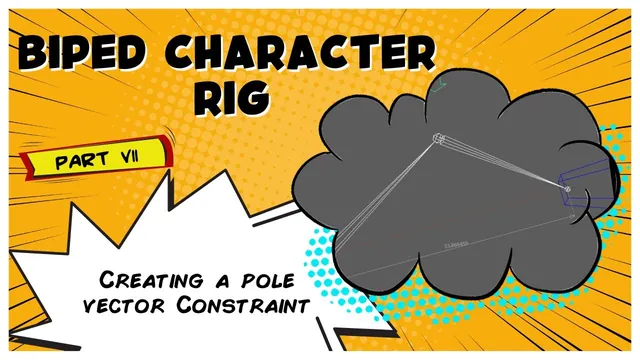
The instructor explains the goal of creating a pole vector for an IK control to adjust elbow angles, referencing a shelf tool available on Patreon or in courses. The speaker describes aligning a curve between joints using parent constraints and naming the control according to…
Read the guide →
 ↗
↗Video tutorialCharacter FX & AnimationLesson 8
Written guide
YouTube: Date unknown
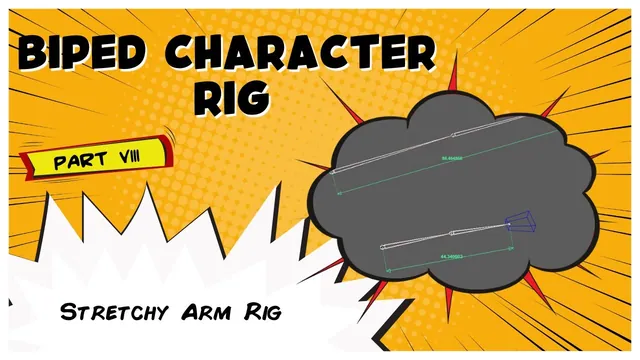
The instructor explains the goal of creating a stretchy arm rig to limit popping and provide cartoony animation. The speaker describes using a measure tool to calculate distance between joints, noting that the value changes as the distance alters. The instructor walks through setting up…
Read the guide →
 ↗
↗Video tutorialCharacter FX & AnimationLesson 9
Written guide
YouTube: Date unknown
The instructor explains the transition from the previously completed IK system to the creation of a new FK system for the arm. The speaker describes duplicating the shoulder or hand joint, unparenting it, and organizing the resulting joint chains and pole vectors into specific folders.…
Read the guide →
 ↗
↗Video tutorialCharacter FX & AnimationLesson 10
Written guide
YouTube: Date unknown
The instructor explains the need to modify the skeleton to avoid cycle errors and doubled rotations when setting up the FK arm twist system. The speaker describes unparenting twist joints and establishing parent constraints from the elbow to the shoulder to prepare for accurate rotation…
Read the guide →
 ↗
↗Video tutorialCharacter FX & AnimationLesson 11
Written guide
YouTube: Date unknown
The instructor explains that the previous twist method causes unwanted rotation in certain elbow directions, necessitating a more stable approach for the upper arm. The speaker describes removing existing constraints and reorganizing the joint hierarchy to establish direct connections for the new twist setup. The…
Read the guide →
 ↗
↗Video tutorialCharacter FX & AnimationLesson 12
Written guide
YouTube: Date unknown
The instructor explains the process of duplicating the bind skeleton and renaming joints to establish an FK hand setup. The speaker describes creating NURBS circle controls for the fingers, aligning them to the joints, and organizing them into a hierarchy. The instructor walks through using…
Read the guide →
 ↗
↗Video tutorialCharacter FX & AnimationLesson 13
Written guide
YouTube: Date unknown
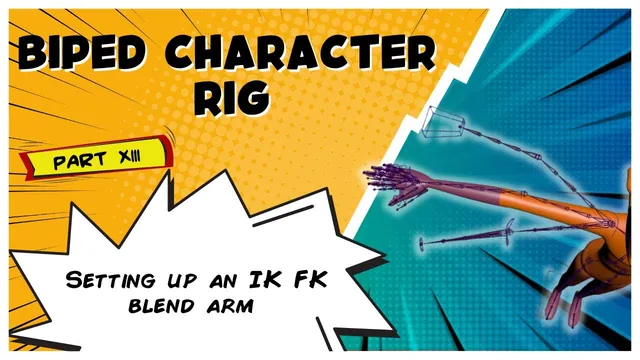
The instructor explains the process of creating connections between the arm and the biped skeleton, including adding a blend attribute to the hand control to switch between IK and FK modes. The speaker describes selecting specific joints in the IK, FK, and bind chains to…
Read the guide →
 ↗
↗Video tutorialCharacter FX & AnimationLesson 14
Written guide
YouTube: Date unknown
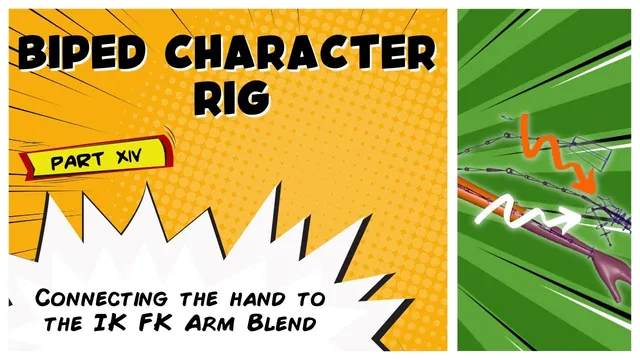
The instructor explains the process of connecting hand joints to the IK/FK arm setup by selecting targets and objects for parent constraints. The speaker describes building an Orient constraint for the wrist to align the IK and FK components, noting that this addresses flipping issues…
Read the guide →
 ↗
↗Video tutorialCharacter FX & AnimationLesson 15
Written guide
YouTube: Date unknown
The instructor explains the goal of setting up final steps for the IK/FK blend to ensure appropriate controls are visible during animation. The speaker describes using a set driven key setup to link the hand control driver to the visibility of grouped IK and FK…
Read the guide →
 ↗
↗Video tutorialCharacter FX & AnimationLesson 16
Written guide
YouTube: Date unknown
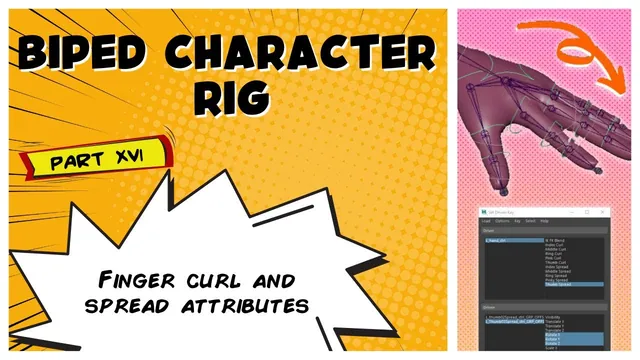
The instructor explains the process of adding custom attributes, such as index curl, to a hand control rig to facilitate secondary animation. The speaker describes using set driven keys to link these attributes to offset groups, allowing the finger controls to rotate in response to…
Read the guide →
 ↗
↗Video tutorialCharacter FX & AnimationLesson 17
Written guide
YouTube: Date unknown
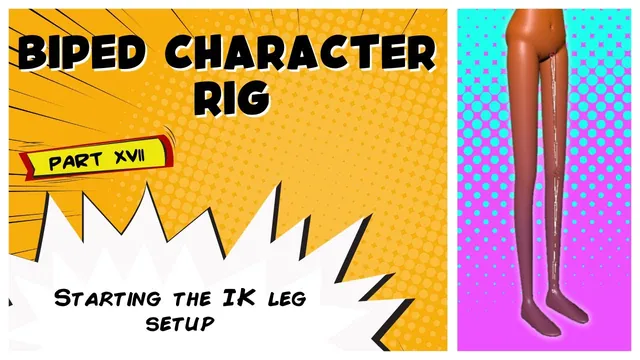
The instructor explains the decision to implement an IK leg setup rather than an FK system, noting that FK is reserved for specific character types. The speaker describes duplicating the leg skeleton, unparenting it, and renaming joints to establish a distinct IK chain for the…
Read the guide →
 ↗
↗Video tutorialCharacter FX & AnimationLesson 18
Written guide
YouTube: Date unknown
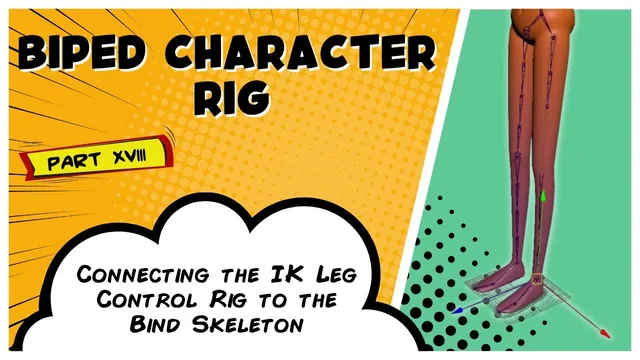
The instructor explains the process of applying parent constraints to connect the IK leg control setup to the corresponding skeleton joints. The speaker describes creating a circular control around the foot joint and using an alignment tool to position it for better manipulation. The instructor…
Read the guide →
 ↗
↗Video tutorialCharacter FX & AnimationLesson 19
Written guide
YouTube: Date unknown
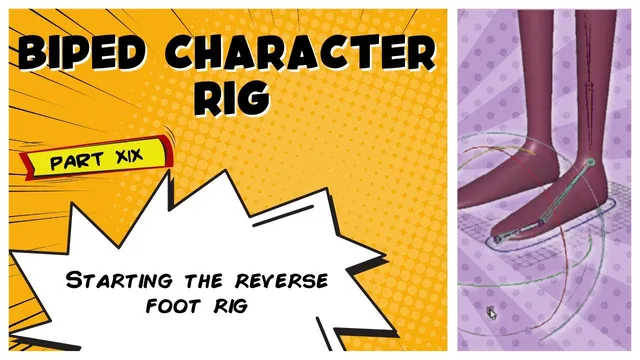
The instructor explains the process of building a reverse split foot rig by connecting foot joints to the skeleton and duplicating them to allow backward rotation for tippy-toe movements. The speaker describes setting up IK handles for the ankle and toe, then applying point constraints…
Read the guide →
 ↗
↗Video tutorialCharacter FX & AnimationLesson 20
Written guide
YouTube: Date unknown
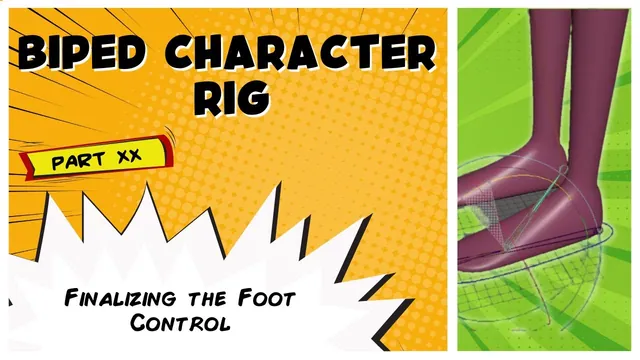
The instructor explains that the lesson focuses on finalizing the reverse foot control by addressing issues where the Anam toes were not parented to the bind joints. The speaker describes a problem where rotating the ball pivot causes unwanted twisting in the joint, which they…
Read the guide →
 ↗
↗Video tutorialCharacter FX & AnimationLesson 21
Written guide
YouTube: Date unknown
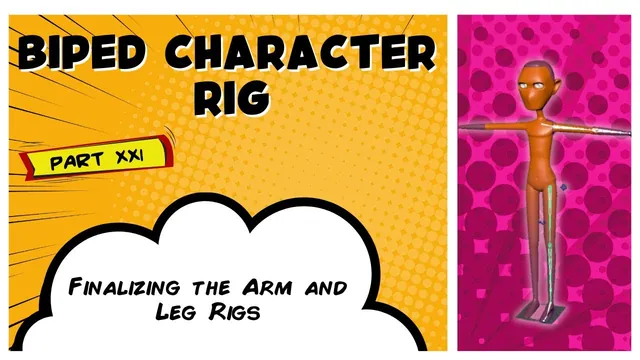
The instructor explains the process of creating a hip control for the leg rig, describing the use of a primitive circle and alignment tools to position it relative to the joint. The speaker describes setting up a clavicle control by duplicating an existing joint, converting…
Read the guide →
 ↗
↗Video tutorialCharacter FX & AnimationLesson 22
Video-only learning resource
YouTube: Date unknown
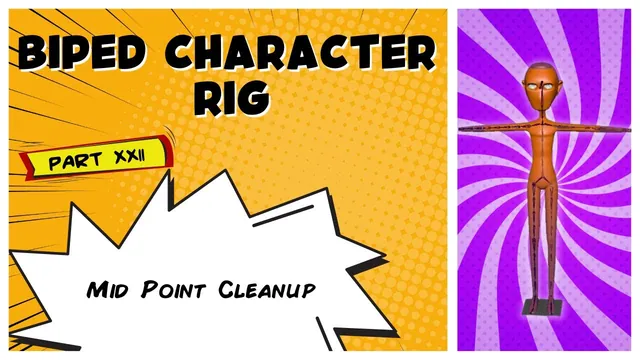
The creator describes a midpoint cleanup of issues found between lessons in the Maya biped rigging series. The available description does not identify the specific corrections.
View tutorial →
 ↗
↗Video tutorialCharacter FX & AnimationLesson 23
Video-only learning resource
YouTube: Date unknown
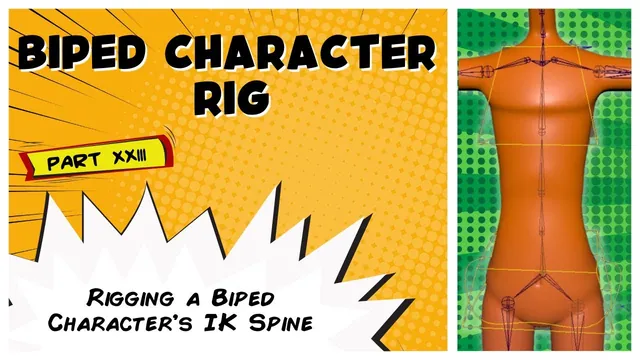
The creator describes rigging an IK spline for the biped character. The original title identifies the subject as the IK spine.
View tutorial →
 ↗
↗Video tutorialCharacter FX & AnimationLesson 24
Video-only learning resource
YouTube: Date unknown
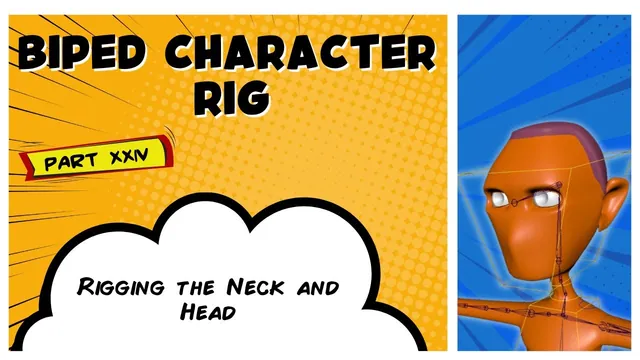
The creator describes rigging the character’s neck and head with an FK setup.
View tutorial →
 ↗
↗Video tutorialCharacter FX & AnimationLesson 25
Written guide
YouTube: Date unknown
The instructor explains the process of creating space switches for the head and IK arms, noting that both are done similarly with slight differences. The speaker describes duplicating the head joint, unparenting it, and using a points-to constraint to align it with the world while…
Read the guide →
