Explore 6 independent Houdini simulation and atmospheric-effects recordings. Choose a subject from the original lesson titles and written guides, then watch through the individual CGI Nerd page. These historical overviews do not replace tested, version-specific technical documentation.
Choose an independent lesson or follow a nested series in order. Chronological sorting keeps every nested series together in its original part order.
Written guides were prepared with AI assistance from the original captions and editorially approved. Software workflows have not been independently reproduced; historical interfaces, technical qualifications and source limitations remain applicable. Video-only resources are individually identified.
This collection includes 1 individually labeled Legacy lessons. Original workflow distinctions and Legacy labels are retained per lesson. Do not assume recording age alone establishes Legacy status.
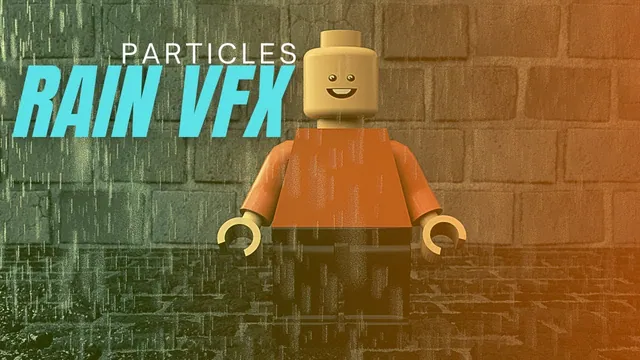
The instructor explains the process of using particles to create a rain simulation, describing the setup of a rain emitter grid and the use of a source particle emitter to generate dynamics. The speaker describes configuring collision behavior for static objects like the ground and…
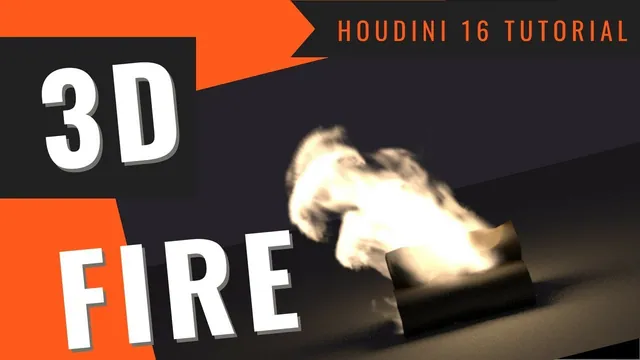
The instructor explains the process of creating fire in Houdini by first constructing log geometry and an animated fire emitter. The speaker describes adjusting pyro simulation parameters such as buoyancy, dissipation, and shredding to control the movement and appearance of the flames. The tutorial walks…
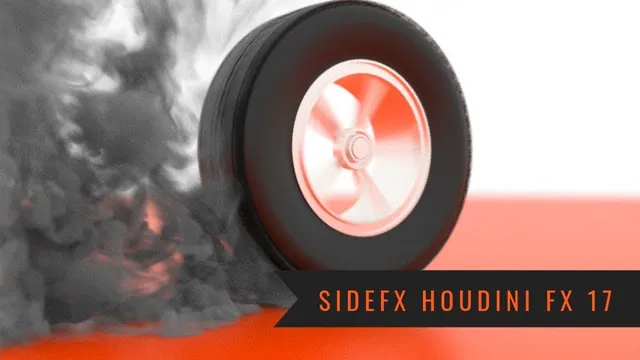
The instructor explains the process of creating a smoke effect for a tire burnout sequence using pyro effects in Houdini. The instructor describes creating emitter geometry and adjusting parameters to ensure the smoke stays above the ground and matches the tire's contact area. The speaker…
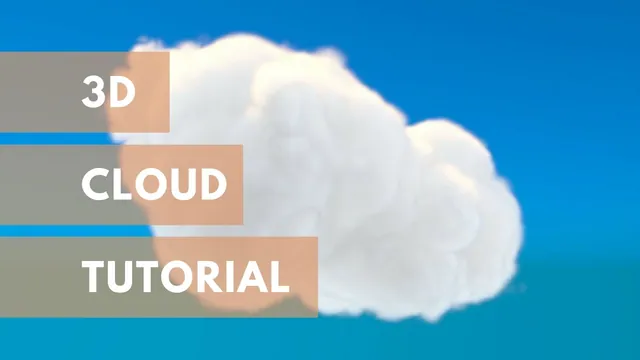
The instructor explains how to create clouds using the built-in cloud effects tool by selecting a vector object and generating a cloud rig. The speaker describes a second method involving the procedural creation of multiple spheres, merging them, and manipulating their transforms to shape the…
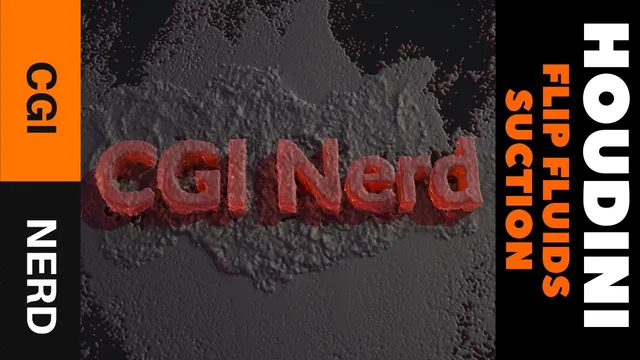
The instructor explains the process of creating a fluid splash effect that forms specific geometry, such as a logo or character, using suction fluids. The instructor describes building text geometry and a box shape to serve as the initial water source, adjusting their scale and…
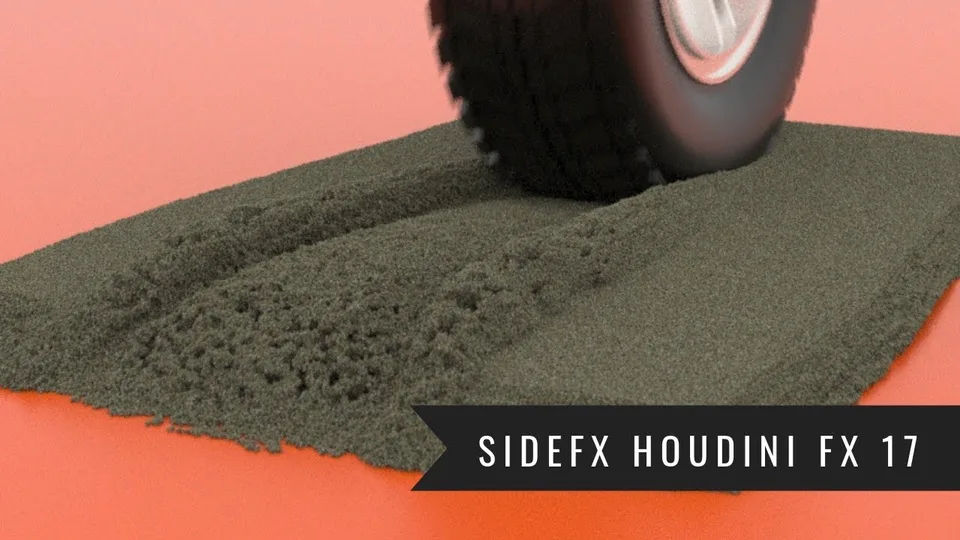
This Houdini lesson uses a moving tire and sand to introduce a grains simulation. The captions discuss preserving the sand’s outer shape while the tire affects the contact area, then begin setting up tire movement and rotation. The overview reflects the narrated goal without certifying…