Browse 12 Houdini character-rigging recordings involving skeletons, KineFX, APEX, IK/FK and skin capture. Some recordings are process walkthroughs rather than step-by-step guides. Individual written guides retain those distinctions, and technical reproduction remains separate from owner inclusion approval.
Choose an independent lesson or follow a nested series in order. Chronological sorting keeps every nested series together in its original part order.
Written guides were prepared with AI assistance from the original captions and editorially approved. Software workflows have not been independently reproduced; historical interfaces, technical qualifications and source limitations remain applicable. Video-only resources are individually identified.
This collection includes 1 individually labeled Legacy lessons. Original workflow distinctions and Legacy labels are retained per lesson. Do not assume recording age alone establishes Legacy status.
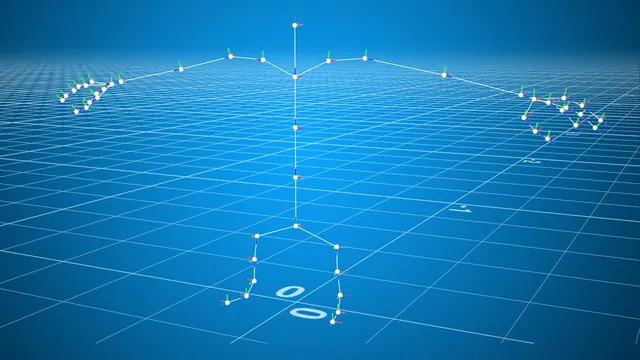
The instructor explains that the recording is a process walkthrough for creating a KineFX skeleton in Houdini, explicitly noting it is not a step-by-step tutorial. The speaker describes using line nodes and the Rig Doctor to convert points into joints, while detailing naming conventions for…
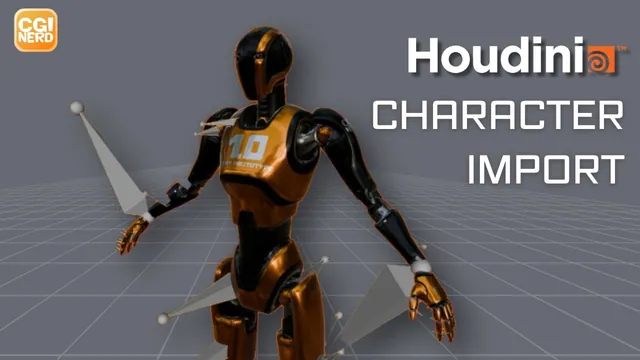
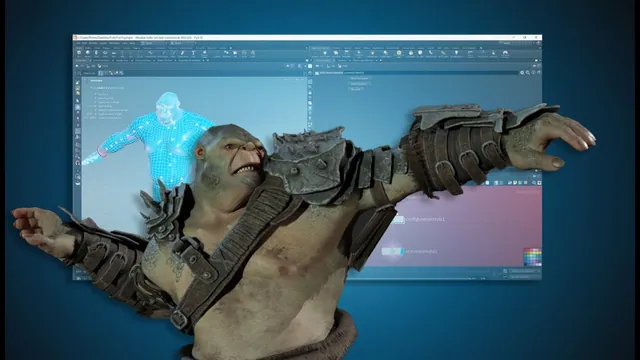
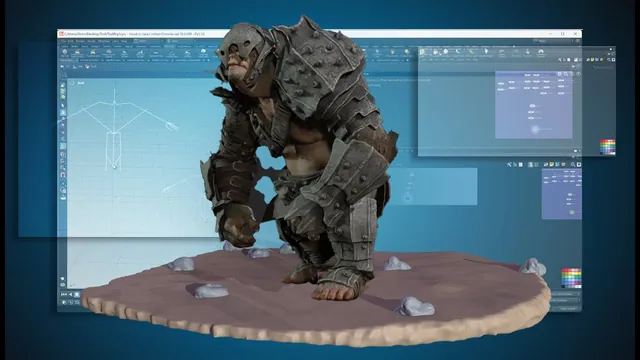
The instructor explains the process of importing a character into Houdini via an FBX file and preparing it for export. The speaker describes creating a geometry node named 'character' and assigning a material with a base color texture to the imported model. The instructor walks…
The instructor explains the process of creating an FK system by setting up object merges for character binding geometry, skeletons, and guides. The speaker describes configuring an Apex auto rig component to switch from bone deform to FK transform and assigning rotation controls based on…
The instructor explains the process of configuring an Apex Auto Rig component for smooth IK, specifically addressing the naming conventions for skeleton joints to ensure proper mirroring and replacement. The speaker describes troubleshooting steps for pole vector connections, noting that tags do not function as…
The instructor explains the process of organizing a network box named 'Apex control rig' and configuring IK controls for arms and legs. The speaker describes setting up shape overrides, specifically using a Taurus shape and rotating it 90 degrees on the Z-axis for the left…
The instructor explains that tags allow referencing joint types for connecting elements in an Apex rig without hard coding, using Vops instead. The speaker describes creating a string array attribute named 'tags' on points to store classification data such as 'FK' and 'spine'. The instructor…
The instructor explains that joint orientations for the legs and upper chest appear incorrect, describing the need to adjust these specific areas to improve alignment. The speaker walks through the process of disconnecting and reconnecting spine, neck, and head joints, describing the creation of new…
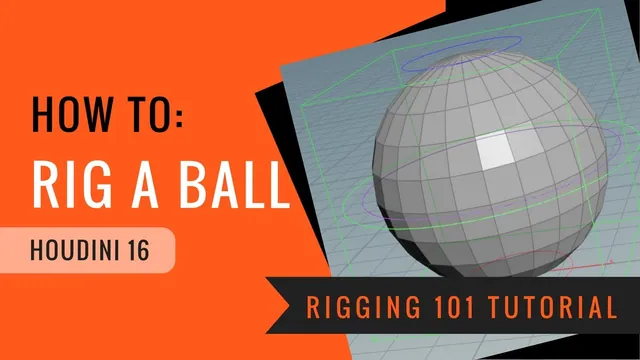
The instructor explains the process of creating a sphere geometry and positioning it on the ground to serve as the base for a bouncing ball rig. The instructor describes the creation of null objects to function as master, squash, stretch, and rotation controls, detailing the…
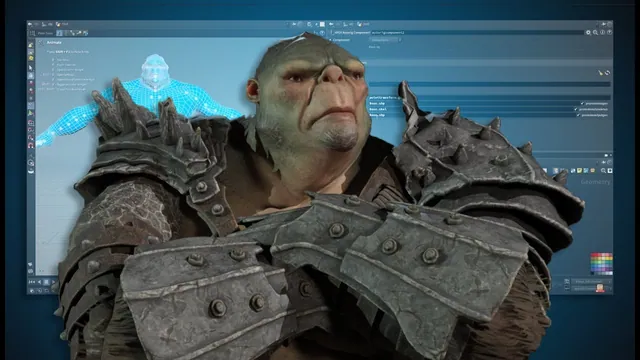
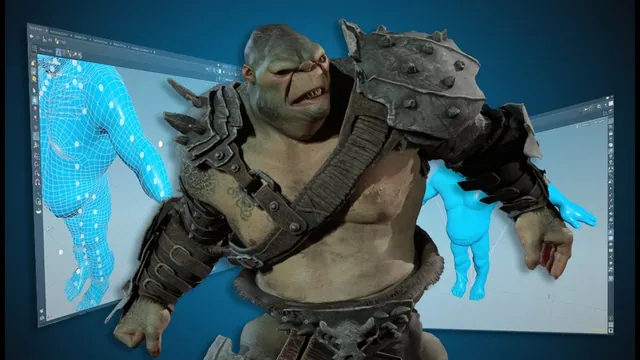
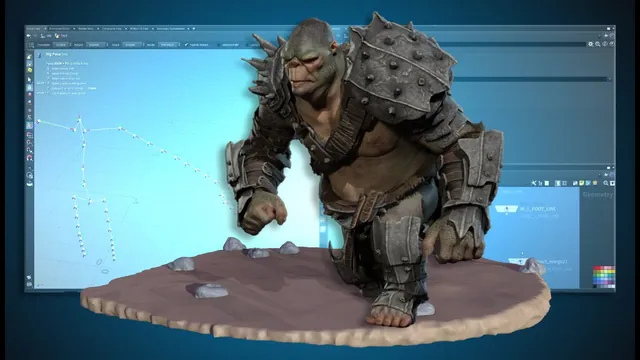
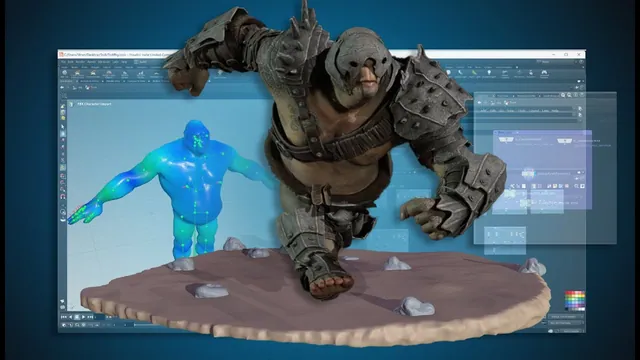
The instructor explains the process of creating a basic bind by merging a finished skeleton with troll base geometry. The speaker discusses biharmonic joint capture and the roles of the character geometry and capture pose. The instructor discusses posing the skeleton and checking the resulting…
The instructor explains the process of creating a base guide skeleton by adding points and naming them as root, center of gravity, and pole vectors for knees and elbows. The speaker describes merging these points and setting up transforms to position the pole vectors slightly…
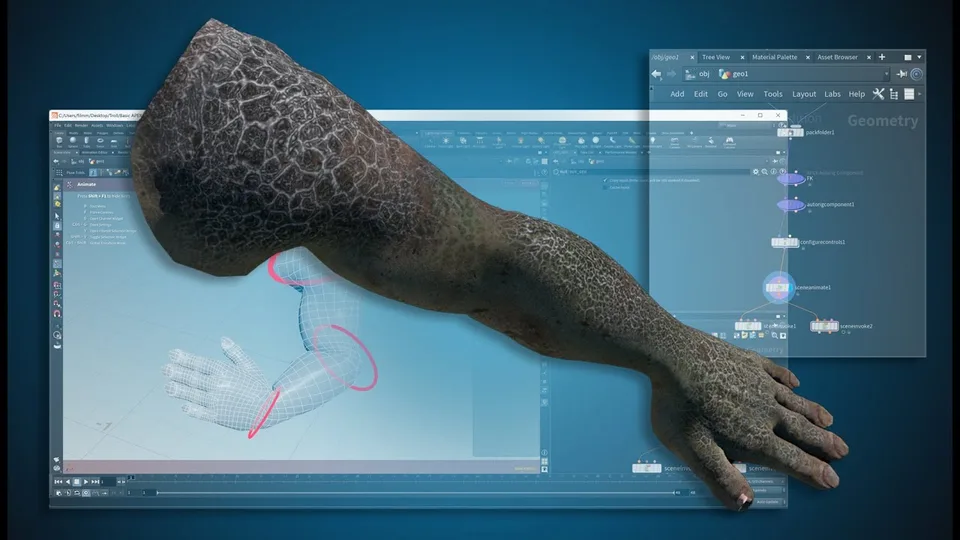
This recording introduces a simple forward-kinematics APEX rig using an arm isolated from an imported character. The captions begin by positioning points around the arm and organizing them for the joint setup. These notes identify the scope and starting material; the APEX graph, exact connections…
The instructor explains the process of creating an APEX rig for an imported FBX character within Houdini, referencing documentation from the Side Effects website. The walkthrough describes setting up specific APEX Auto Rig components, including FK transforms, bone deform, and spline controllers for the spine.…