
Houdini & Procedural Workflows / Houdini
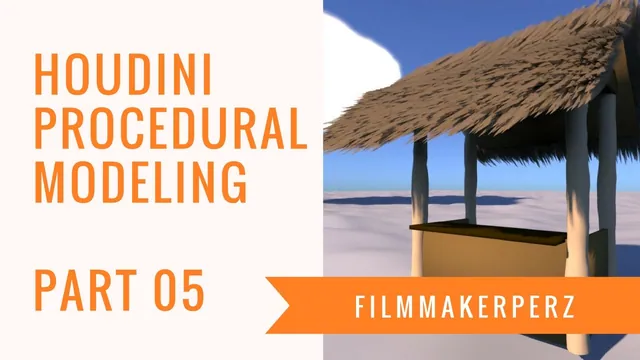
Tiki Hut Tutorial | 3D Procedural Modeling in Houdini - Part 05
Written guide
Playing loads YouTube content. YouTube processes data after activation.
Watch on YouTubeIf the player is blocked or unavailable, use Watch on YouTube.
Assign three simple brown materials to the tiki hut by organizing related geometry branches before the final Merge. Part 5 develops a readable color arrangement rather than detailed wood textures or physically calibrated materials.
The hut and groomed roof already exist. The source uses Houdini’s historical Material Palette, Clay material and SHOP-era assignment workflow; the exact version is unverified.
Create a light, medium and dark material
At 00:00, the instructor tries to drag Clay materials from the Material Palette. The pane initially does not cooperate, so it is removed and recreated through the pane-tab menu before the drag operations succeed. This is the observed UI workaround, not a diagnosed material-system defect.
At 01:01, name the three materials for their roles: light, mid and dark. Adjust their base colors so they form visibly distinct values. At 02:00, the darkest becomes an espresso-like brown, nearly black.
The distinction between the three colors is more important to this exercise than an exact color code. The captions do not provide numeric colors, reflectance measurements or a complete shader preset.
Group the posts before assigning their material
At 02:00, return to the hut’s geometry network and identify the branches representing the bamboo-like posts. Instead of assigning each post independently, merge those branches before they enter the main Merge.
At 03:03, place a Material SOP after that group merge and choose the light material. The assignment now applies to the intended post group through one place in the network.
Inspect the intermediate merge before assigning the material. This workflow relies on selecting the correct construction branches; a nearby branch in the network is not necessarily another post. The source does not establish named primitive groups as the selection mechanism here.
Assign the remaining tones without losing geometry
At 04:01, merge another set of structural branches and assign the medium material. The instructor adds a roof-related piece to this collection as well.
At 05:03, a missing connection becomes apparent during that rearrangement. Reconnecting the omitted branch restores the intended result. Material organization therefore needs a geometry check as well as a color check: an absent piece can be a wiring omission rather than a shader problem.
Assign the dark material to the remaining selected feature. The captions do not identify every selected branch precisely enough to supply a complete object-to-material inventory. Use the displayed geometry at each intermediate branch to establish the intended grouping in the source scene.
Judge the simple palette in a render
At 06:02, make a preview render. The instructor accepts the overall direction while leaving room for later tweaks. A ground plane is suggested to make contact shadows easier to see, but it is not built as part of the recorded pass.
Check that the light posts, medium structural areas and dark accent remain distinguishable under the scene lighting, and that no geometry disappeared during the merge changes. The result is a basic material grouping and color pass; UV work, texture maps and a finished presentation environment are not demonstrated.
The next master-control lesson exposes dimensions for variation. These material branches make that later workflow easier to maintain because related pieces share an assignment instead of requiring repeated individual edits.