
Houdini & Procedural Workflows / Houdini
The Copy Stamp is No More! Do this instead!
Legacy TutorialWritten guide
This tutorial is part of the CGI Nerd archive. Some software features, interfaces, or workflows may have changed since it was recorded.
Playing loads YouTube content. YouTube processes data after activation.
Watch on YouTubeIf the player is blocked or unavailable, use Watch on YouTube.
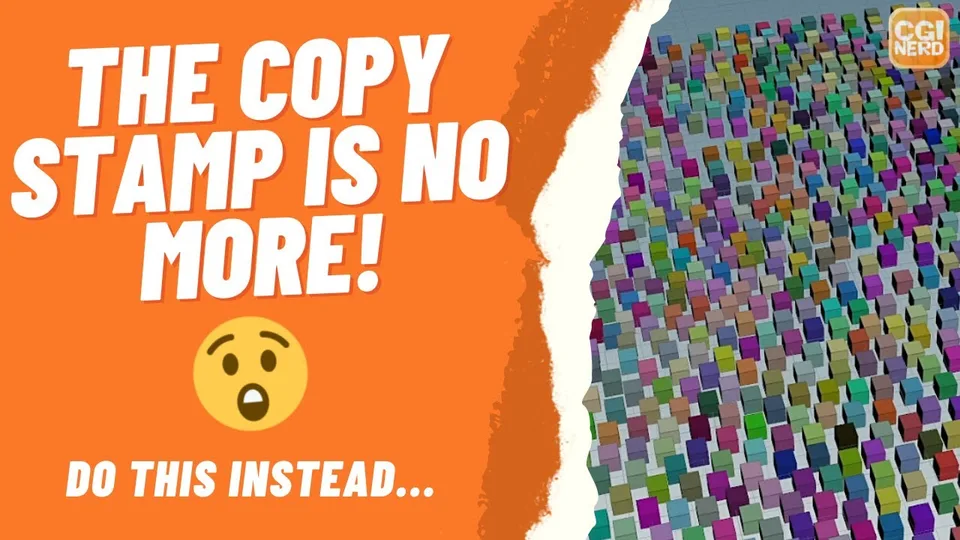
Older copying tutorials often vary an upstream parameter through Copy Stamp. This lesson demonstrates a replacement pattern: process one destination point at a time, copy geometry to it, and use the loop’s iteration number to vary the source color. Each cube receives a different color even though all copies begin from the same Box.
The recording describes Copy Stamp as no longer available in its interface. That should not be generalized into a claim about every Houdini installation: SideFX’s Copy with Stamp documentation marks the node deprecated since 19.5 and recommends Copy to Points. The recording’s exact version is unverified. This article follows the demonstrated loop method without claiming it is the only way to vary copied geometry.
Establish the ordinary Copy to Points result
At 00:27, create a Grid, scatter points onto it, and create a small Box with a Color node on its source branch. Connect the box geometry and scattered destination points to Copy to Points.
The boxes appear at the scattered positions. Changing the upstream Color changes every box together because that source is being reused uniformly. This is the baseline problem the loop will solve: the source parameter needs a different input for each individual copy.
Keep the boxes small enough to distinguish them in the viewport. It is easier to verify per-copy color when overlapping geometry does not hide the result.
Process one destination point per iteration
Around 01:45, create a For-Each Point loop and route the scattered points through it. Put Copy to Points inside that loop so its destination input receives the current point, while its source input receives the box branch. The loop end gathers the resulting geometry.
Use the loop’s single-pass inspection option to examine one iteration at a time. Advancing the pass changes the point being processed. Turning single-pass mode off restores all the copied boxes.
The instructor turns on point numbers to expose a subtle issue: inside each isolated iteration, the current geometry contains just one point, numbered zero. Using that local point number as the random seed would therefore repeat the same value. The needed identifier is the changing iteration, not the renumbered point visible inside the loop.
Read the metadata iteration as a detail attribute
From 03:46, use Create Meta Import Node on the loop setup to expose its metadata. The iteration attribute identifies the current pass. It belongs to the detail level, so the source’s Color parameters use the detail expression to retrieve it.
The demonstrated expression has three parts: the metadata node path, the attribute name iteration, and a component index of zero. SideFX documents the detail expression signature as detail(surface_node, attrib_name, attrib_index). The following is an illustrative spelling of the narrated relationship, using a placeholder path:
detail("../YOUR_METADATA_NODE", "iteration", 0)Replace the placeholder with the actual metadata node path relative to the node containing the expression. It is not a literal node name supplied by the recording. Confirm that the expression returns changing values as you inspect different passes before adding randomness.
Directly using the iteration produces values extending beyond the usual zero-to-one color range used for this demonstration. Wrap that result in rand to derive a repeatable random value for each pass.
Give the color channels different random inputs
At 05:00, the red channel begins using the randomized iteration. Apply the same pattern to green and blue, but add different constants inside their random-function inputs. The source tests offsets such as 55 and 20.
Conceptually, the three channels use rand(iteration), rand(iteration + 55), and rand(iteration + 20). Here “iteration” means the detail lookup above; these are explanations of the channel relationships, not three complete expressions with a defined variable.
The offsets matter because equal inputs produce equal random results. If all three color channels use the same seed expression, each cube receives equal red, green, and blue values and appears somewhere on a grayscale range. Different channel offsets produce colored variation. Removing the offsets in the recording demonstrates that grayscale result directly.
Turn single-pass inspection off and evaluate the complete grid. The useful verification sequence is: copies appear at the points, the metadata value changes by pass, red varies, and then distinct channel seeds produce varied colors.
The instructor proposes extending the idea to other parameters, but only cube color is built here. For comparison, the older procedural fern lesson uses historical stamping for upstream length variation. This loop lesson explains a replacement principle; it does not migrate that entire fern network or establish that iteration identity remains stable if the input point order changes.