Explore 6 practical Houdini workflow recordings. Older Copy Stamp material and recordings discussing replacement approaches retain their own historical context; the collection does not present them as interchangeable current procedures. Choose the lesson that matches the workflow you are investigating.
Choose an independent lesson or follow a nested series in order. Chronological sorting keeps every nested series together in its original part order.
Written guides were prepared with AI assistance from the original captions and editorially approved. Software workflows have not been independently reproduced; historical interfaces, technical qualifications and source limitations remain applicable. Video-only resources are individually identified.
This collection includes 4 individually labeled Legacy lessons. Original workflow distinctions and Legacy labels are retained per lesson. Do not assume recording age alone establishes Legacy status.
The instructor explains the initial setup process, describing how to establish a project hierarchy and save files within the Houdini interface. The speaker walks through viewport navigation controls, detailing how to use the spacebar combined with mouse buttons to orbit, pan, and zoom the scene.…
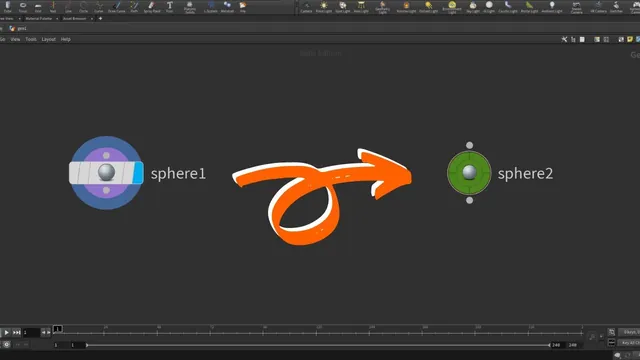
The instructor explains how to change the default color and shape of a node inside Houdini to help organize the interface. The instructor describes using the 'c' shortcut for color and 'z' for the shape palette to access node customization options. The speaker walks through…
The instructor explains the goal of creating random variations of a procedural rock asset using the Copy Stamp node in Houdini. The instructor describes creating a grid, applying a Mountain node, and using Poly Extrude to generate ground geometry for scattering points. The speaker walks…
The instructor explains that the video covers gaining access to the game development toolset shelf and its associated tools. The instructor describes the process of adding the shelf via the plus sign and notes that the tools do not appear immediately after selection. The instructor…
The instructor explains the process of exporting a rigid body simulation from Houdini as an Alembic cache to be used in Maya. The speaker describes creating a ROP Alembic output node and saving the file to disk to cache the frames. The instructor walks through…
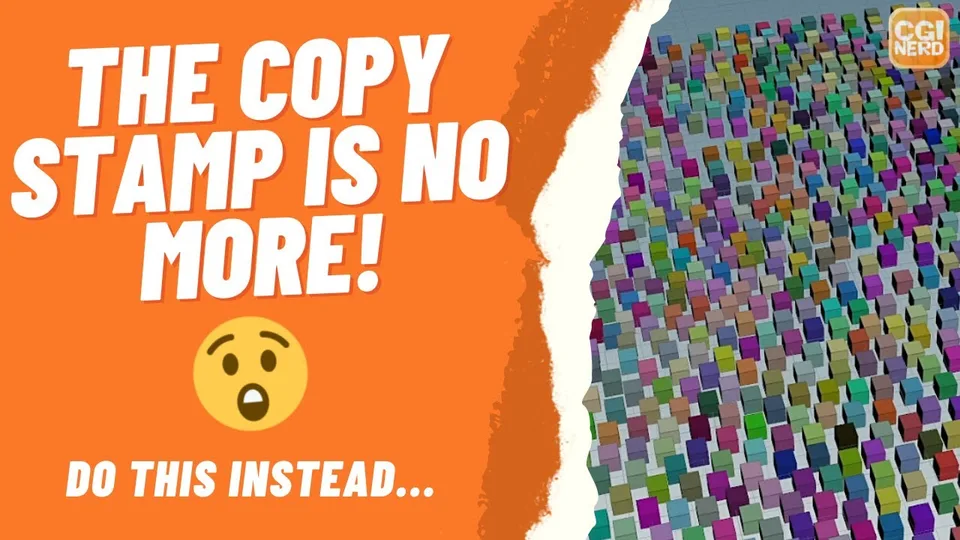
This lesson discusses changing copied objects’ attributes in Houdini using a loop-based workflow. The captions contrast the historical Copy Stamp approach with Copy to Points and a for-each-point loop, using boxes scattered on a grid as the example. Statements about node availability describe the recording…