Explore three independent Unreal Engine tutorials from the CGI Nerd Unreal Engine channel. Choose a subject that fits your project, open its original lesson, and use the historical source notes to understand the scope before watching.
Choose an independent lesson or follow a nested series in order. Chronological sorting keeps every nested series together in its original part order.
Written guides were prepared with AI assistance from the original captions and editorially approved. Software workflows have not been independently reproduced; historical interfaces, technical qualifications and source limitations remain applicable. Video-only resources are individually identified.
This collection includes 2 individually labeled Legacy lessons. Original workflow distinctions and Legacy labels are retained per lesson. Do not assume recording age alone establishes Legacy status.
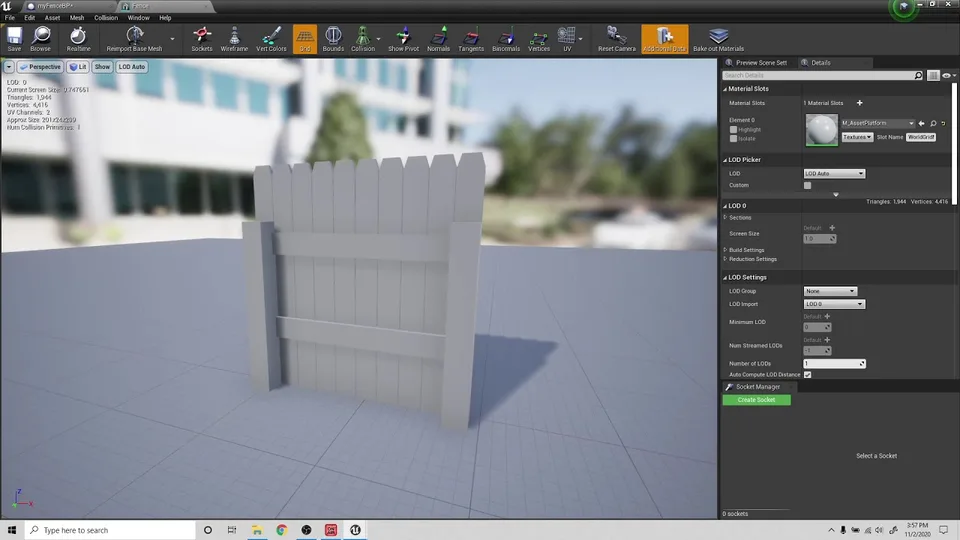
The instructor explains how to create a procedural fence script in Unreal Engine 4 by dragging a fence blueprint into the scene and extending spline points to build out geometry. The speaker describes the process of creating a blueprint class, adding a spline component, and…
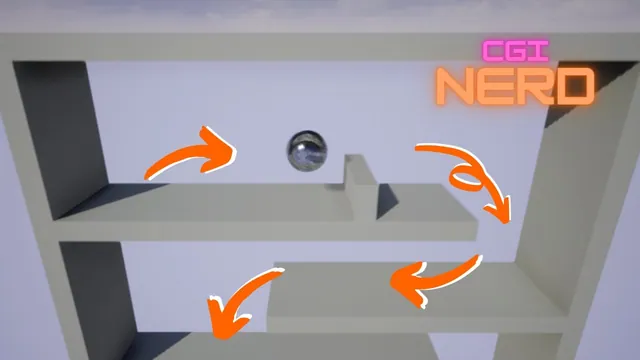
The instructor explains the process of creating a physics-based ball character in Unreal Engine 4, starting with a new pawn blueprint and adding a sphere component. The speaker describes configuring the camera using a spring arm and configuring player possession to allow the player to…
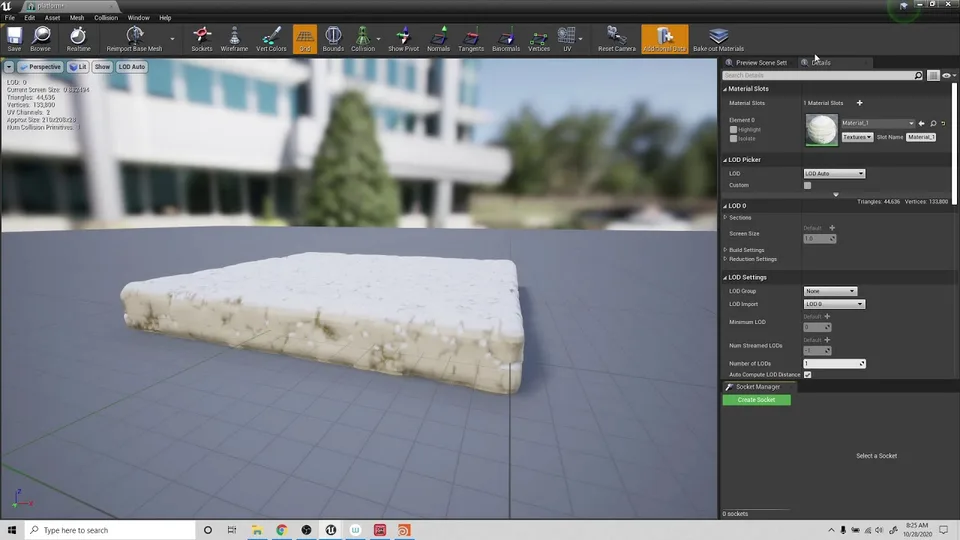
The instructor explains the process of creating a blueprint actor to manage the random visibility and collision states of platform meshes. The speaker describes using a for loop and random boolean variables to determine which platforms are visible and have collision enabled in the first…