Explore 3 Houdini rendering and compositing recordings as a short curated collection. Choose a lesson, read its original context, and continue to its canonical video page. The separate, already-approved rendering tutorial remains an independent library resource. Includes a Premiere sound-editing workflow with a historical Motion Array partnership disclosure.
Choose an independent lesson or follow a nested series in order. Chronological sorting keeps every nested series together in its original part order.
Written guides were prepared with AI assistance from the original captions and editorially approved. Software workflows have not been independently reproduced; historical interfaces, technical qualifications and source limitations remain applicable. Video-only resources are individually identified.
This collection includes 1 individually labeled Legacy lessons. Original workflow distinctions and Legacy labels are retained per lesson. Do not assume recording age alone establishes Legacy status.
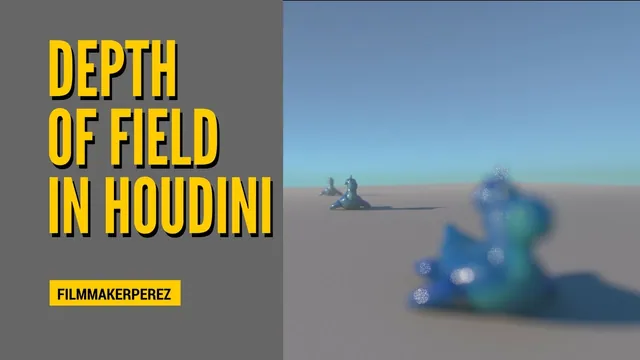
The instructor explains the process of creating a scene in Houdini by generating test geometry and setting up a camera with a specific focal length. The speaker describes adjusting the focus handle to target the character's eyes and using transform nodes to position foreground and…
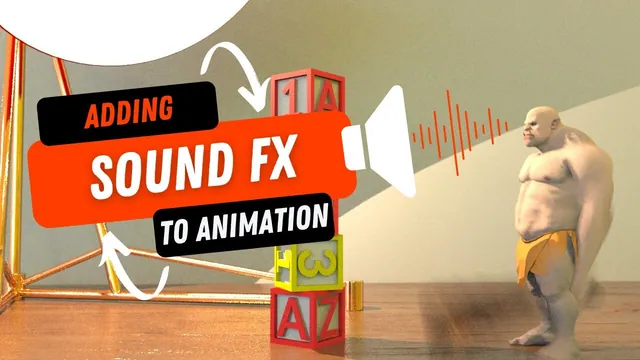
The instructor explains the process of adding sound effects to a 3D animation by selecting audio assets from a partner platform. The instructor describes layering specific sound files, such as wood impacts and whooshes, to simulate the physical actions occurring in the scene. The speaker…
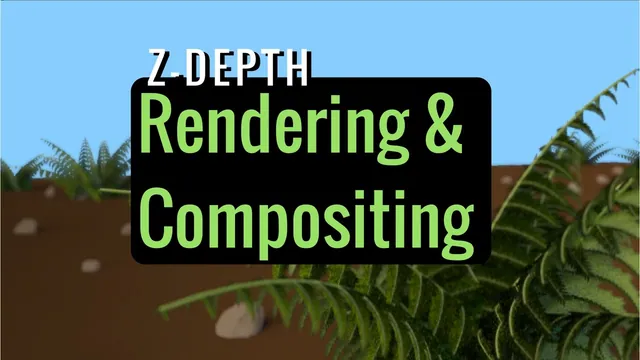
The instructor explains how to set up a Mantra render node to export a shading depth pass, specifically identifying the 'pz' channel as the position Z data required for depth information. The speaker describes the high dynamic range nature of the depth channel, noting that…
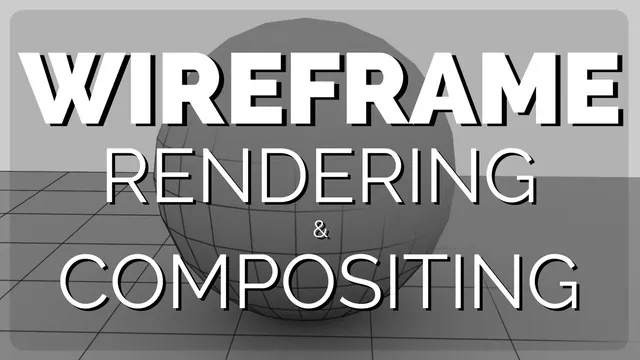
The instructor explains the process of rendering a wireframe in Houdini and compositing it with a beauty pass render to overlay the wireframe on the final image. The speaker describes setting up a camera and configuring the Mantra node to render the wireframe, noting that…