Explore 21 original Unreal Engine Blueprint lessons. Follow the introductory learning path or the ordered Countdown Timer and Collectibles series; choose independent subjects to match your project. Historical interfaces and workflows may have changed.
Choose an independent lesson or follow a nested series in order. Chronological sorting keeps every nested series together in its original part order.
Written guides were prepared with AI assistance from the original captions and editorially approved. Software workflows have not been independently reproduced; historical interfaces, technical qualifications and source limitations remain applicable. Video-only resources are individually identified.
This collection includes 5 individually labeled Legacy lessons. Original workflow distinctions and Legacy labels are retained per lesson. Do not assume recording age alone establishes Legacy status.
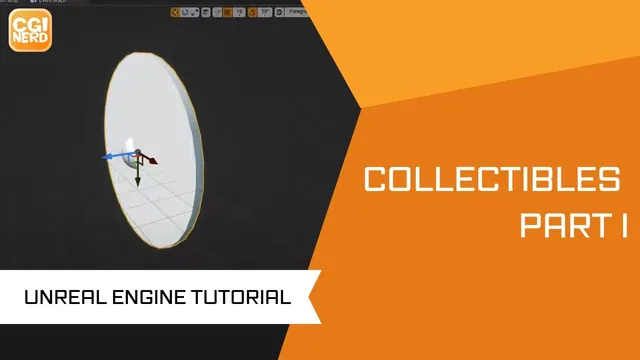
The instructor explains the intention to create a coin collectible using a blueprint actor class within a scroller template. The speaker describes configuring the coin's geometry with a scaled cylinder and adding box collision to match the shape. The instructor walks through setting up rotation…
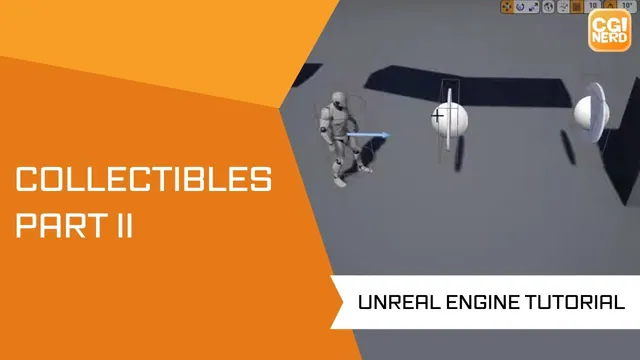
The instructor explains how to track collectible coins using a counter on the character Blueprint. The speaker describes creating an integer variable named 'coins' and setting up an actor overlap event to increment this value when the character interacts with a coin. The instructor walks…
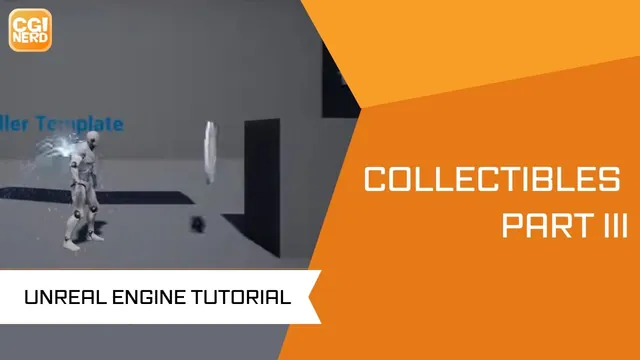
The instructor explains the process of adding a particle emitter and sound effect to a coin actor to enhance collectible interactions. The speaker describes connecting the actor's world location to both the particle and sound nodes to ensure effects trigger at the correct position. The…
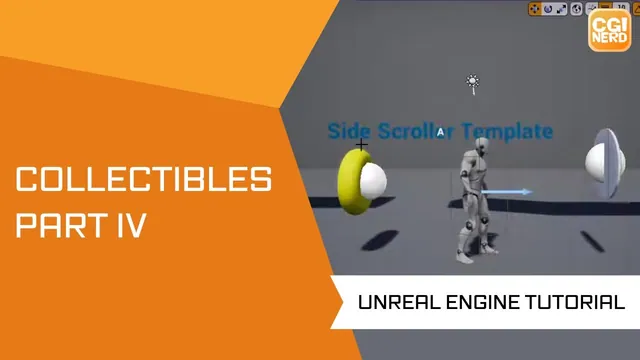
The instructor explains creating a new actor blueprint named 'ring' with a static mesh and adjusting its rotation and centering. The speaker describes adding box collision to the ring and modifying the character blueprint to cast to the ring type for overlap detection. The instructor…
The instructor explains the process of setting up a countdown timer within the Side Scroller template's game mode blueprint. The speaker describes creating integer variables for minutes and seconds, initializing them to specific values, and using a delay node to decrement the seconds. The instructor…
The instructor explains a fix for a countdown timer logic error where the display skipped zero and went negative, describing the need to reset seconds when the minute changes. The speaker walks through adjusting the condition from 'equals' to 'less than or equal to' to…
The instructor explains the creation of a User Interface widget blueprint to replace default debug settings with a custom heads-up display. The speaker describes configuring text elements and binding them to game mode variables to display minute and second values on the screen. The instructor…
The instructor explains the process of creating a blueprint actor class and navigating to the event graph to prepare for variable manipulation. The speaker describes various variable types, including boolean, integer, floating point, string, and vector, noting their specific data structures and color coding. The…
The instructor explains how to use integer variables in Unreal Engine 4 Blueprints to perform basic math operations like addition. The speaker describes the process of creating variables, setting default values, and connecting them to math nodes to calculate results. The lesson walks through breaking…
The instructor introduces a tutorial on condition statements and branches within a blueprint basics series, aiming to create a simple resource management system. The instructor describes creating an actor blueprint and configuring mouse button inputs to trigger resource depletion and reset actions. The speaker walks…
This continuation of the Blueprint basics series introduces functions in Unreal Engine 4. The captions describe an Actor-based Blueprint and a jumping example used to explain calling a function from the Event Graph. The summary reflects the recorded lesson; current-engine interfaces, input behavior and a…
The instructor explains the process of removing a button-based trigger for a death animation to prepare for environmental control. The speaker describes creating a new actor blueprint named 'spikes' and adding cone components to form a spike pit with box collision. The instructor walks through…
The instructor explains the setup of a basic blueprint class to demonstrate how a for loop executes a set of actions based on a defined range. The speaker describes how increasing the loop count can significantly slow down game performance, noting that the system must…
The instructor explains the process of creating a blueprint actor to manipulate a low-poly planet asset within Unreal Engine 4. The instructor describes using event tick and transform nodes to apply continuous object rotation. The speaker walks through implementing a ping-pong movement effect by adding…
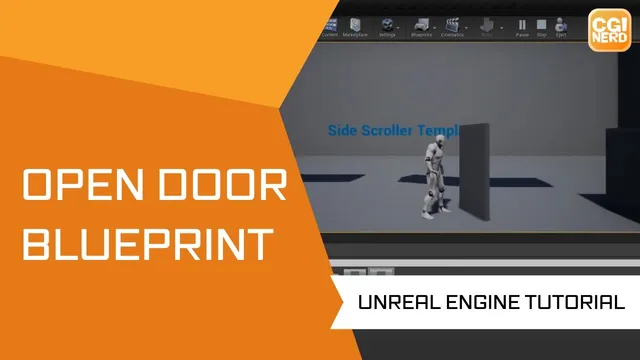
The instructor explains the goal of creating a door that rotates based on a character collision trigger within a blueprint. The speaker describes the process of setting up a box collision component and adjusting its location and size to align with the door's pivot point.…
The instructor explains the intent to randomize a static mesh for spawning different objects in a scene. The speaker describes creating a blueprint actor with a static mesh component and setting up its event graph. The instructor walks through using a random integer in range…
The instructor explains the goal of triggering ragdoll-style physics for a character to serve as a death animation when health is lost. The speaker describes creating a custom event named 'death' and binding it to a keyboard input to initiate the simulation. The instructor discusses…
The instructor explains the process of randomizing an object's spawn location by creating a placeholder enemy blueprint with a sphere component. The speaker describes placing multiple Target points in the scene and opening the Level Blueprint to set up an Event Begin Play trigger. The…
The instructor explains the process of creating a camera attached to a character mesh for a death animation sequence. The speaker describes setting up a secondary camera for the character and adjusting its angle for the desired view. The instructor walks through deactivating the main…
The instructor explains the distinction between actor blueprints and level blueprints, noting that the latter provides specific access points for working within a single level. The speaker describes creating a point light and a trigger volume, stating the intent to use the trigger to activate…
The instructor explains the goal of creating a simple AI object that moves in a random direction without detecting the environment. The speaker describes using the 'Random Integer in Range' node to generate values between a minimum and maximum. The instructor walks through using a…