
Maya & Python Scripting / Character FX & Animation / Maya / Python
Creating a simple Rig Control with Python in Maya | Maya Python Tutorial
Written guide
Playing loads YouTube content. YouTube processes data after activation.
Watch on YouTubeIf the player is blocked or unavailable, use Watch on YouTube.
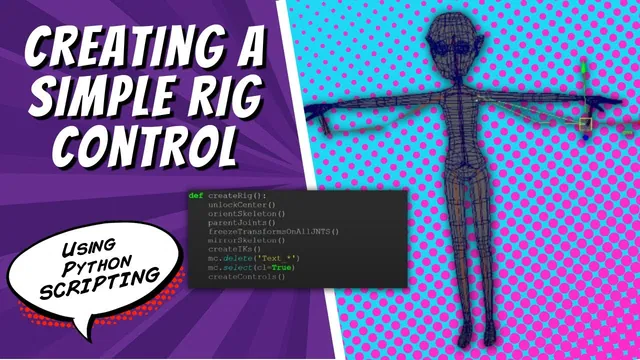
This lesson adds the basic control-building function to an existing Maya auto-rig project. The demonstrated control is a named circle inside two groups: an offset group and a zero group. The hierarchy lets the control return to a meaningful local zero while its placement and additional offsets live above it.
The earlier script already creates and mirrors a skeleton and performs other rig-building stages. Those operations are recapped, not rebuilt here. The current example assumes the project’s symmetric character setup and does not establish an exact Maya release.
Separate the control builder from the overall build
During 00:00–04:02, the instructor adds a Create Controls stage to the larger rig function and defines a smaller helper for individual controls. The first example is the master control.
The small helper will create one control; the surrounding function will decide which controls the rig needs. This avoids making the geometry helper responsible for the entire character. At this stage the helper uses circles only, even though other shape types are discussed later.
A manually created circle supplies the command reference in the Script Editor history. Running the scripted version produces a named circle, giving a small testable result before more arguments and groups are added.
Construct a name and choose the circle’s plane
Around 04:02–10:02, the function receives the control name and a side/alignment designation, then constructs a name using that designation, the control’s name and a control suffix. A spelling error in the alignment variable is corrected during testing.
Here “alignment” is used in the naming convention; the circle’s geometric orientation is controlled separately. The initial circle points along Z. For a master control on the ground plane, the instructor changes the circle normal to (0, 1, 0), making it point up along Y.
Inspect both results: the Outliner should identify the intended control, and the circle should occupy the intended plane. A name containing the center prefix does not by itself orient or position the geometry.
The demonstration sets a fixed normal for this first helper. It does not implement arbitrary alignment to an existing joint or automatic selection of a different plane for each control.
Build zero, offset and control as separate levels
From approximately 10:02–13:03, the helper groups the circle into an offset group, then groups that result into a zero group. The resulting hierarchy is:
- Zero group, defining the control’s reference placement.
- Offset group beneath zero, providing an additional transform layer.
- The control curve beneath offset, used for the direct control movement.
The instructor moves the zero group away from the origin, then moves the control itself. Returning the control’s channels to zero brings it back to the reference established by its parents. Zero therefore means the local reference position, not necessarily the world origin.
He also moves the offset group while the control remains zeroed. That illustrates why a second layer can be useful: an additional offset can exist without consuming the control’s own channel values. The source discusses future attributes using that layer but does not build those connections here.
Inspect the Outliner to confirm the nesting, then test the transforms at each level. If the control has zero channels but appears somewhere unexpected, inspect its parent groups before assuming the control’s values are wrong.
Keep the helper’s current scope clear
The final discussion proposes a shape argument with branches for circles, squares or boxes. That is an extension idea, not an implemented multi-shape library in this lesson. Positioning the control at a joint and connecting it to the intended rig behavior are also deferred to a later video.
The useful result is a reusable circle-control foundation with a predictable name, plane and parent structure. Its checks are correspondingly small: create the circle, verify the name, inspect the hierarchy, move the parent layers and return the control to local zero. A correctly grouped curve is a building block for a rig; it is not yet proof that the master control drives the character.